Create New Products
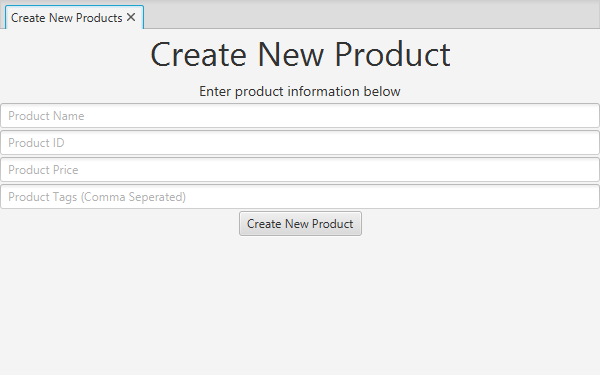
The Create New Products view allows the creation of new products in the database.
When creating a new product, the following fields are provided:
- Name: The human-friendly name of the product, used for displaying. Required
- ID: A unique ID that can be used to reference this item in the database. Required
- Price: The unit price for this product. Required
- Tags: A comma-separated list of tags associated with the item. Should be used as categories or grouping keywords with other products.
NOTE: As of right now, the tags are not saved to the database.
After entering all of this information into their respective text fields, clicking Create New Product will create the product in the database. It will start out with a quantity of 0. To increase its quantity, use the Update Products view.