Reports
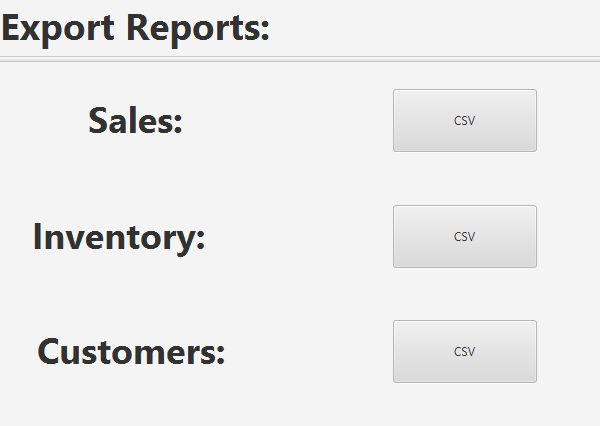
The Reports view allows the export of data from the program into CSV files for use in external programs. Currently, there is support to export all invoices, the current state of the inventory, and all customers.
To export a set of data, click the CSV button next to the set of data you would like to export. A save dialog box will open. Choose the location to save the CSV file to. After clicking Save, the file will be written, and will be available for you to use in another program.